GunVault Product Manuals
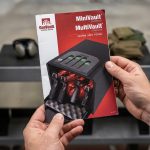
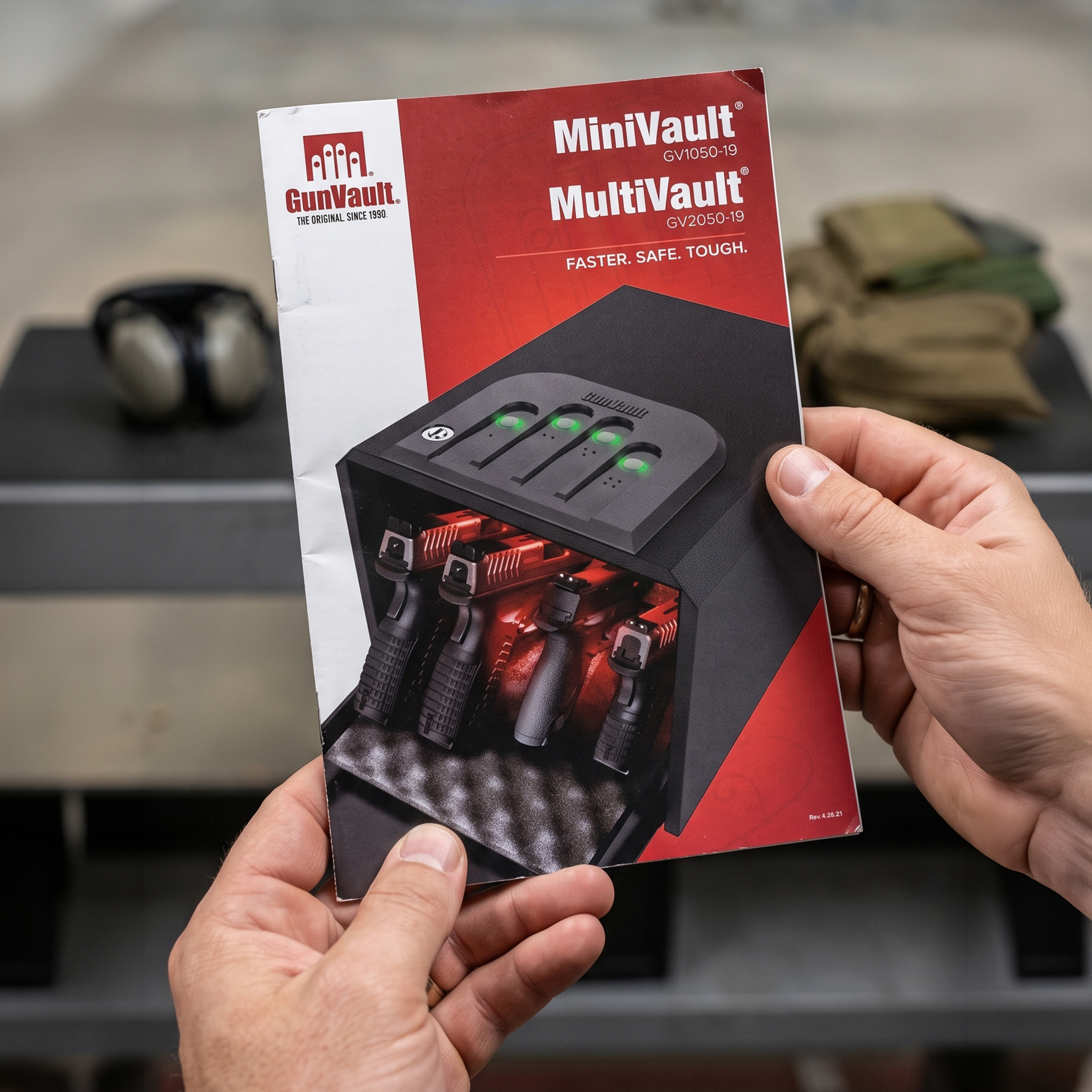
A GunVault product manual explains how to set up, operate, mount, and maintain your handgun safe. Because features vary between models, using the manual helps prevent mistakes and provides instructions for your product.
Begin by locating the model number and serial number. These details distinguish between safes that look similar but use different locks, batteries, access codes, biometric systems, mounting methods, or backup procedures. Match the model number before downloading a manual.
GunVault manuals explain how to program a keypad, enroll fingerprints, install batteries, activate silent mode, use a backup key, and test the locking system. They may include mounting instructions, safety warnings, maintenance guidance, and troubleshooting steps. Review the manual before placing a firearm inside the safe.
When programming a code or fingerprint, keep the GunVault open and empty. Test the access method before closing the door with a firearm inside. Store backup keys and access records in a secure location, never inside the safe they are intended to open.
Save a copy of the manual on a phone or computer and consider printing a copy for your records. Access to the instructions can be useful during a battery change, lock problem, relocation, or support request.
If the manual does not resolve an issue, gather the model number, serial number, purchase information, and a description of the problem before contacting GunVault Product Support. Photographs or video may help document the concern.
Keeping the GunVault product manual available supports safer setup, reliable operation, troubleshooting, and confident ownership for years to come.