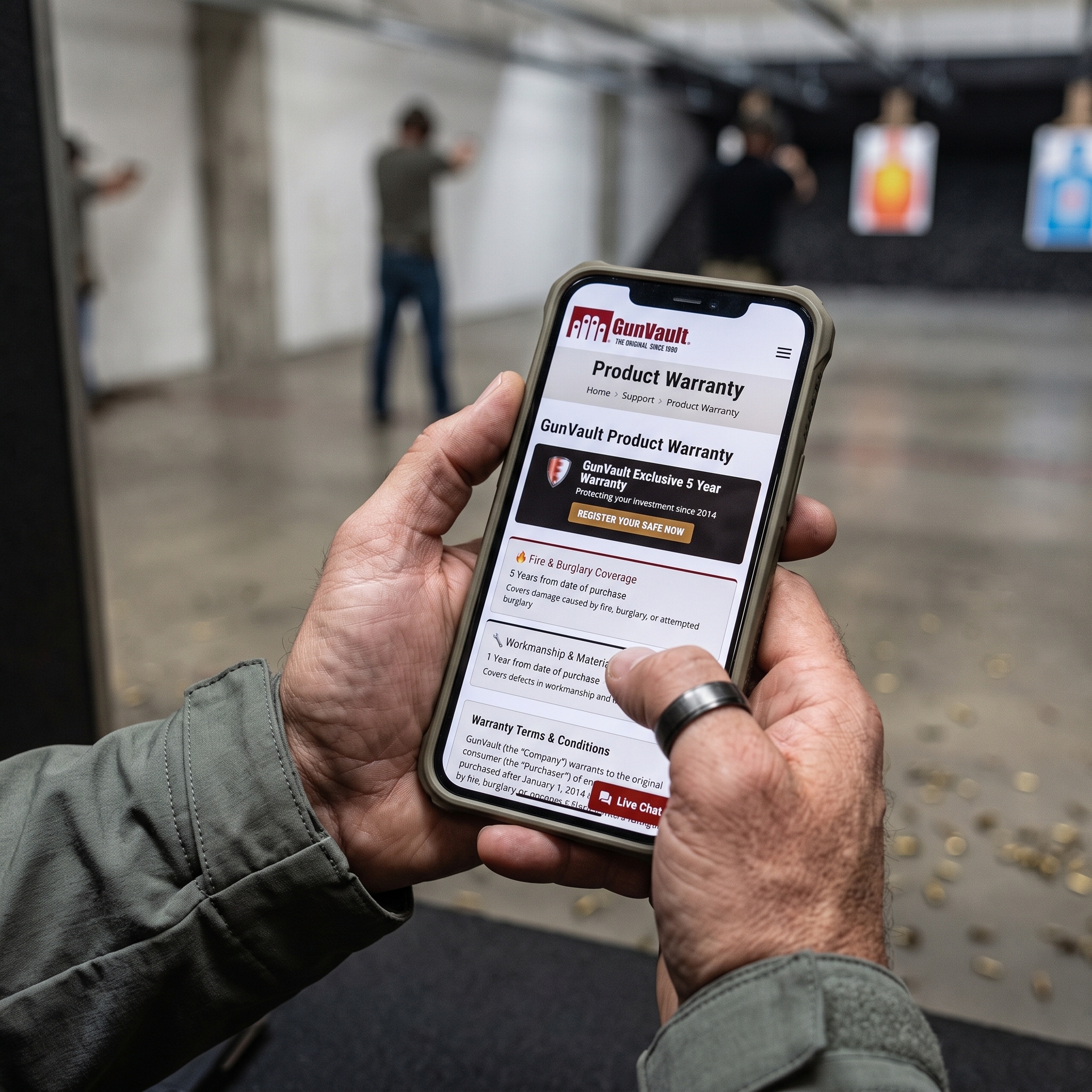
GunVault Product Warranty
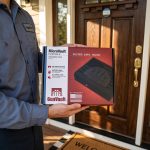
Registering your GunVault is a step that creates a record of ownership and can make product support easier. Completing registration after purchase helps connect your contact information with the safe’s model, serial number, and purchase details.
Before starting, gather the information for your GunVault. You may need the model number, serial number, purchase date, retailer name, receipt, and your contact information. The model and serial number help identify the product, which is important because locks, batteries, parts, and operating instructions can vary between models.
Visit the Product Registration section of GunVault.com and complete the fields. Enter the information and check it for accuracy before submitting the form. If proof of purchase can be uploaded, use an image or copy that shows the retailer, purchase date, and product.
Keep a copy of your confirmation, receipt, model number, and serial number. Do not store the only copy inside the GunVault, since you may need those records if an access problem occurs. Save them in a secure location that remains available when needed.
Registration supports warranty questions, replacement key requests, battery assistance, part identification, and troubleshooting. Requests involving access or security components may require identity and ownership verification before support can be provided.
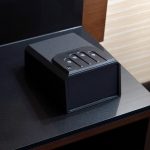
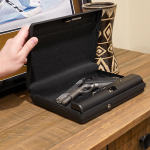
After registering, review the product manual, test the lock while the safe is empty, and store backup keys securely. Taking these steps creates an ownership record and helps you become familiar with the safe.
Minutes spent registering your GunVault can save time later and support years of dependable use.